Chat with Agents
A persistent, per-user 1:1 chat with a single Agent or Squad — like having a dedicated AI teammate always available.
A persistent, per-user 1:1 chat with a single Agent or Squad — like having a dedicated AI teammate always available.
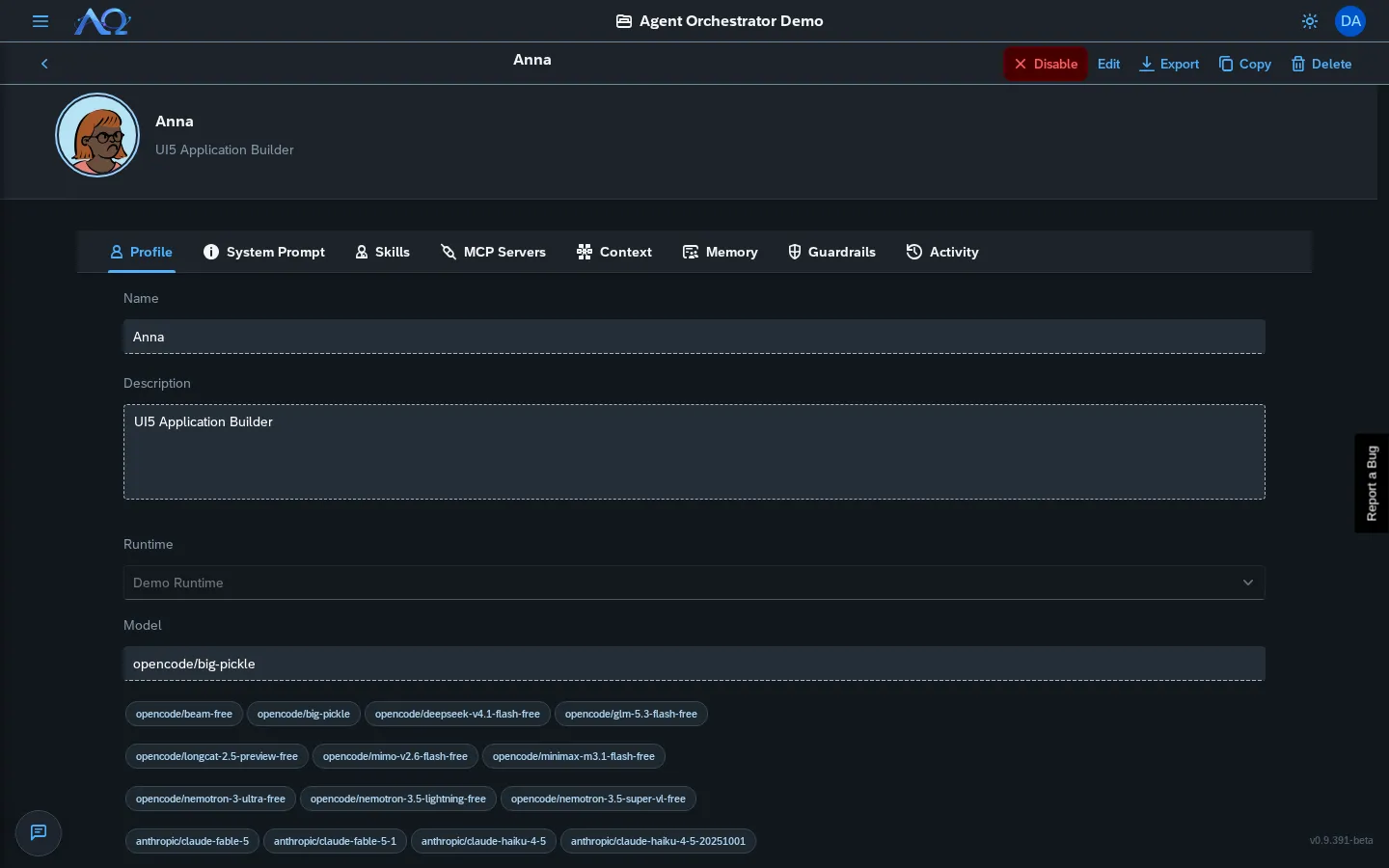
Opening Chat
Click the floating chat button (bottom-left, speech bubble icon) on any page.
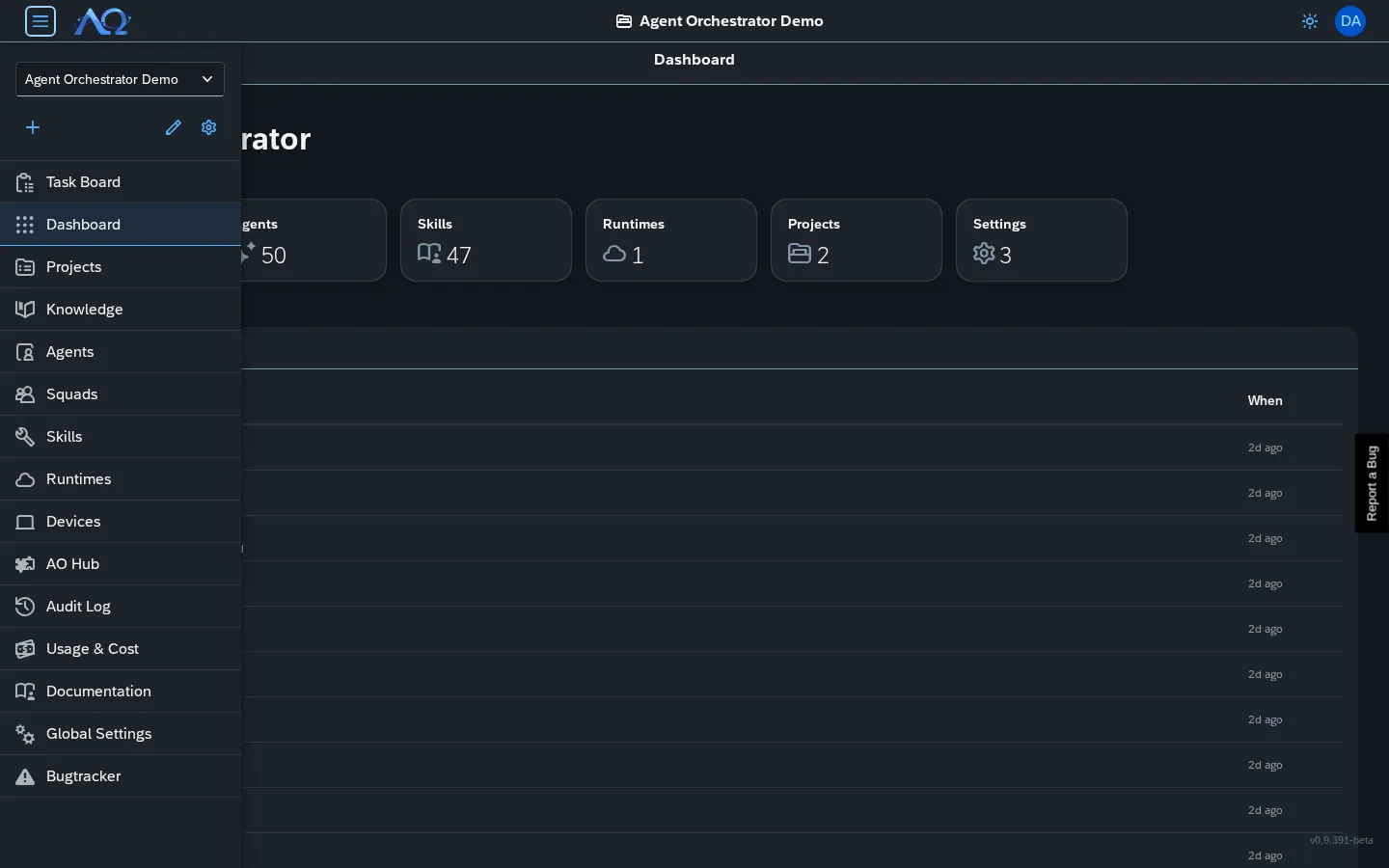
Starting a Conversation
- Click New Chat in the thread sidebar
- Choose Agent or Squad
- Select from the dropdown
- Type your first message → Send
First message creates a hidden “chat” Task and starts a Run.
Chat Interface
Thread Sidebar (Left)
- New Chat button — Start fresh conversation
- Thread list — All your chat threads with agent/squad name + avatar
- Toggle sidebar — Hamburger button (collapses on mobile)
Conversation Pane (Right)
- Title bar — Agent/Squad name, delete/close buttons
- Message list — Your messages (right, blue) + Agent replies (left, gray + avatar)
- Composer — TextArea + Attach + Send
Features
| Feature | Description |
|---|---|
| Markdown | Full GFM support (tables, code blocks, lists) |
| Attachments | Drag-drop or click Attach → files sent with message |
| Live streaming | Agent replies stream in token-by-token |
| Inline Q&A | Agent questions/permissions appear as cards in chat |
| History | Full conversation persisted per thread |
Follow-up Messages
- Second+ message → continues same Run (no new Run created)
- Context preserved — agent sees full conversation history
- If agent has open question → your reply answers it directly
Managing Threads
- Delete — Click trash icon in title bar → confirms → removes thread + hidden Task
- Close — Click X → hides pane, thread stays in sidebar
- Switch — Click any thread in sidebar to resume
Chat with Squads
Select a Squad instead of an Agent:
- Leader receives message, delegates to members
- You see combined result in chat
- Each delegation = child Run (viewable in Task Detail)
Permissions
- All members — Can create and use chat threads
- Private — Your threads visible only to you
- Admin — Can view/delete any thread via Audit Log
Recent Updates
- Chat with Agents — Persistent floating chat panel for 1:1 conversations
- Thread Sidebar — Collapsible, shows all conversations with avatars
- Inline Q&A — Answer agent questions directly in chat
- Squad Support — Chat with entire squad, leader delegates to members