Skills
Skills are versioned, reusable instruction sets that turn one good result into a permanent capability. Any agent can be assigned a skill.
Skills are versioned, reusable instruction sets that turn one good result into a permanent capability. Any agent can be assigned a skill.
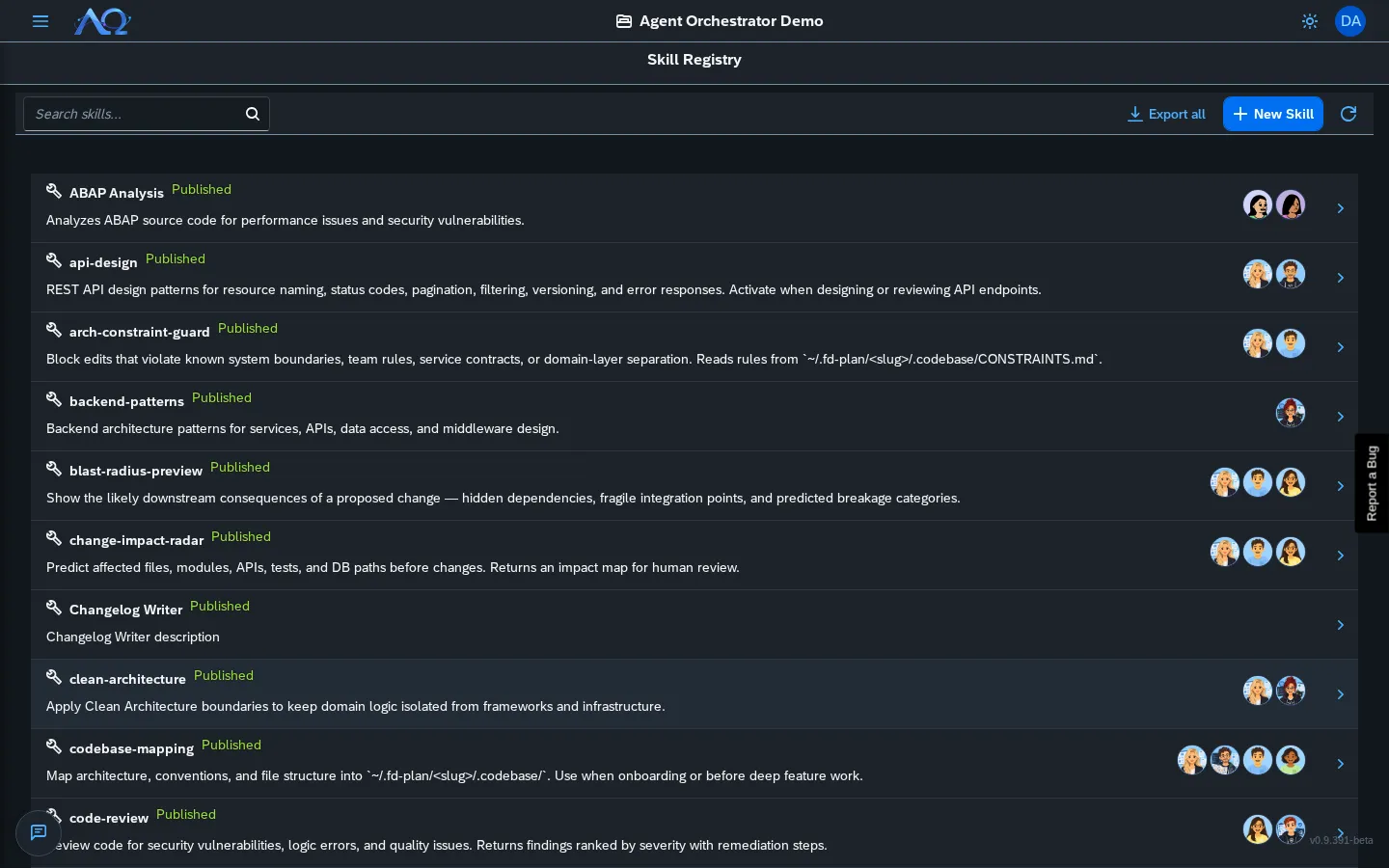
Skill Registry
The Skills page lists all skills in the current Workspace.
Each row shows:
- Name — Click to open Skill Detail
- Category — e.g., Code Generation, Analysis, Documentation
- Status — Draft / Published / Archived
- Version — Current live version
Creating a Skill
Click New Skill → choose mode:
| Mode | Description |
|---|---|
| Create Manually | Fill in name, category, description, instructions |
| Import from GitHub | Paste a GitHub URL (e.g., https://github.com/anthropics/skills/tree/main/skills/pdf) — auto-fetches SKILL.md |
| Import .ao | (Workspace Administrators) Choose a .ao skills package exported from this or another Workspace. Every skill arrives as a draft — review and publish it yourself. A name that already exists becomes Name (2); existing skills are never changed |
Exporting Skills
Workspace Administrators can download skills as a .ao file: Export all (Skills page) saves every skill in the Workspace, and the Export button in a skill’s header saves just that one. The file contains every version, the scripts and the uploaded files, so it can be imported into another Workspace or AO instance.
Skill Detail
Click a skill to open the detail view with tabs:
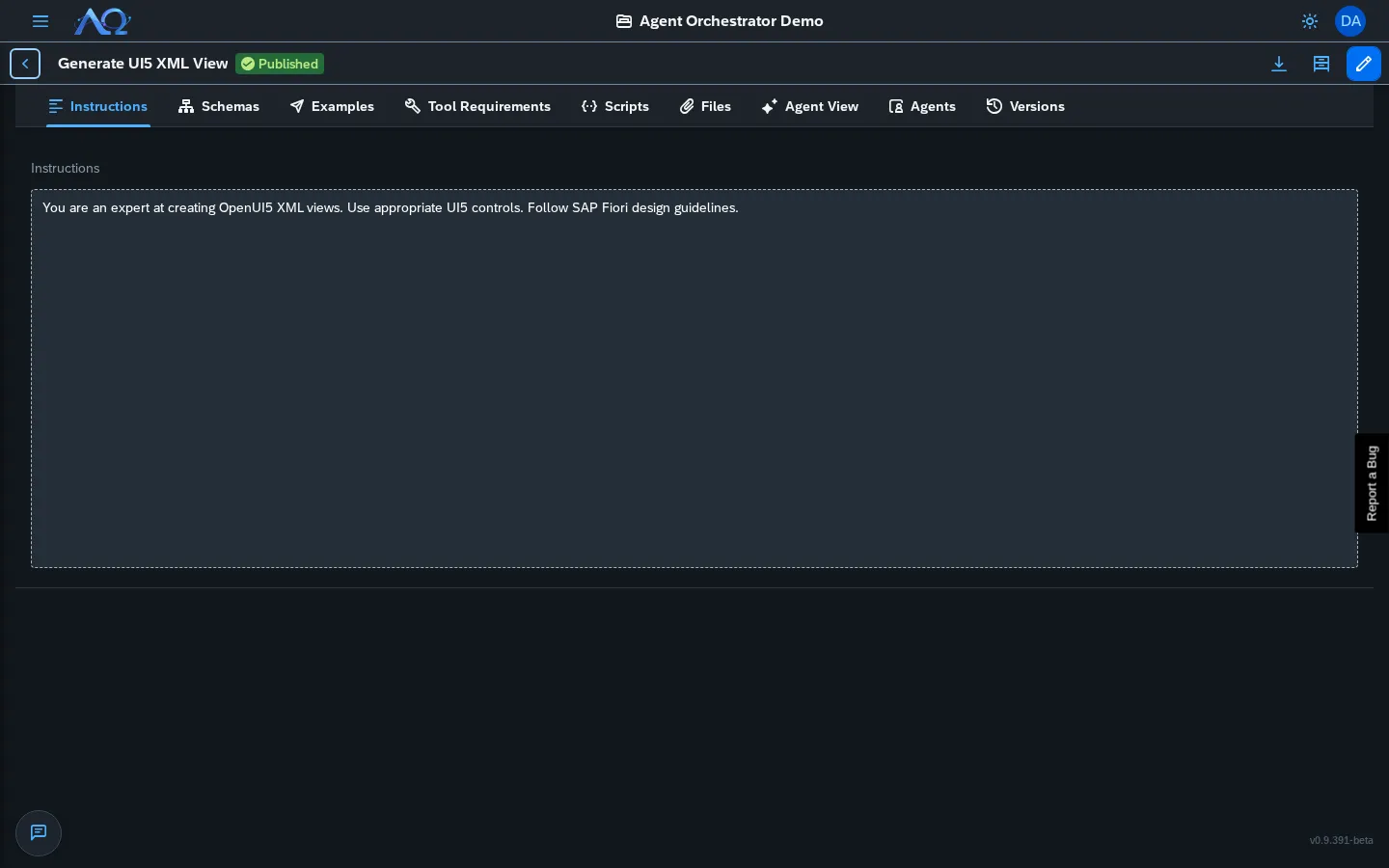
Instructions Tab
The currently published version’s instructions. Read-only for published skills; editable for drafts.
Schemas Tab
Input/output JSON schemas for the skill (used for validation).
Scripts Tab
Executable tool scripts (e.g., hello_skill.py). Each script has:
- Name
- Language (Python, Shell, etc.)
- Content editor
Files Tab
Additional files bundled with the skill (templates, configs, etc.).
Agent View Tab
Read-only preview of how the skill is materialized at runtime for agents:
- On-disk layout under
.opencode/skills/<slug>/ - Scripts at
scripts/<name> - Files at root
- On-demand loading — agent loads full skill body only when needed via
skilltool - Hard per-agent isolation — only agents assigned the skill can access it
Versions Tab
Every edit creates a Draft version — never silently overwrites published.
- Publish — Promote current draft to live (pins exact version)
- Unpublish — Revert to draft
- Archive — Hide from registry
- Live badge — Shows
(live)on the version agents actually receive
Native Skill Delivery
Skills are delivered at runtime as native opencode skills — not injected into prompts.
How It Works
- Agent is assigned a skill
- At run start, daemon materializes skill to
<workdir>/.opencode/skills/<slug>/ - opencode’s project-scoped discovery exposes only that run’s skills
- Agent loads skill on-demand via
skilltool (progressive disclosure)
Benefits
- Hard isolation — Agent A’s skills invisible to Agent B
- Version pinning — Published version fixed until re-published
- Token efficiency — Only name/description in context; full body loads on demand
- Script execution — Skill scripts run as native opencode tools
Skill Assignment
- Agent Detail → Skills tab → Add Skill
- Search/select from Workspace registry
- Toggle Enabled per-assignment (can assign but disable)
Publishing Workflow
Draft (editing) → Publish → Live (agents receive) → Edit → New Draft → Publish → New Live- Only one live version at a time
- Publishing pins exact version (agents get consistent behavior)
- Draft changes don’t affect live until published
Recent Updates
- Native Skill Delivery — Skills materialized as opencode skills per run, hard per-agent isolation, on-demand loading
- Agent View Tab — Read-only preview of runtime materialization layout
- GitHub Import — One-click import from GitHub repos with SKILL.md
- Version Pinning — Publish pins exact version; draft changes don’t affect live