Squads
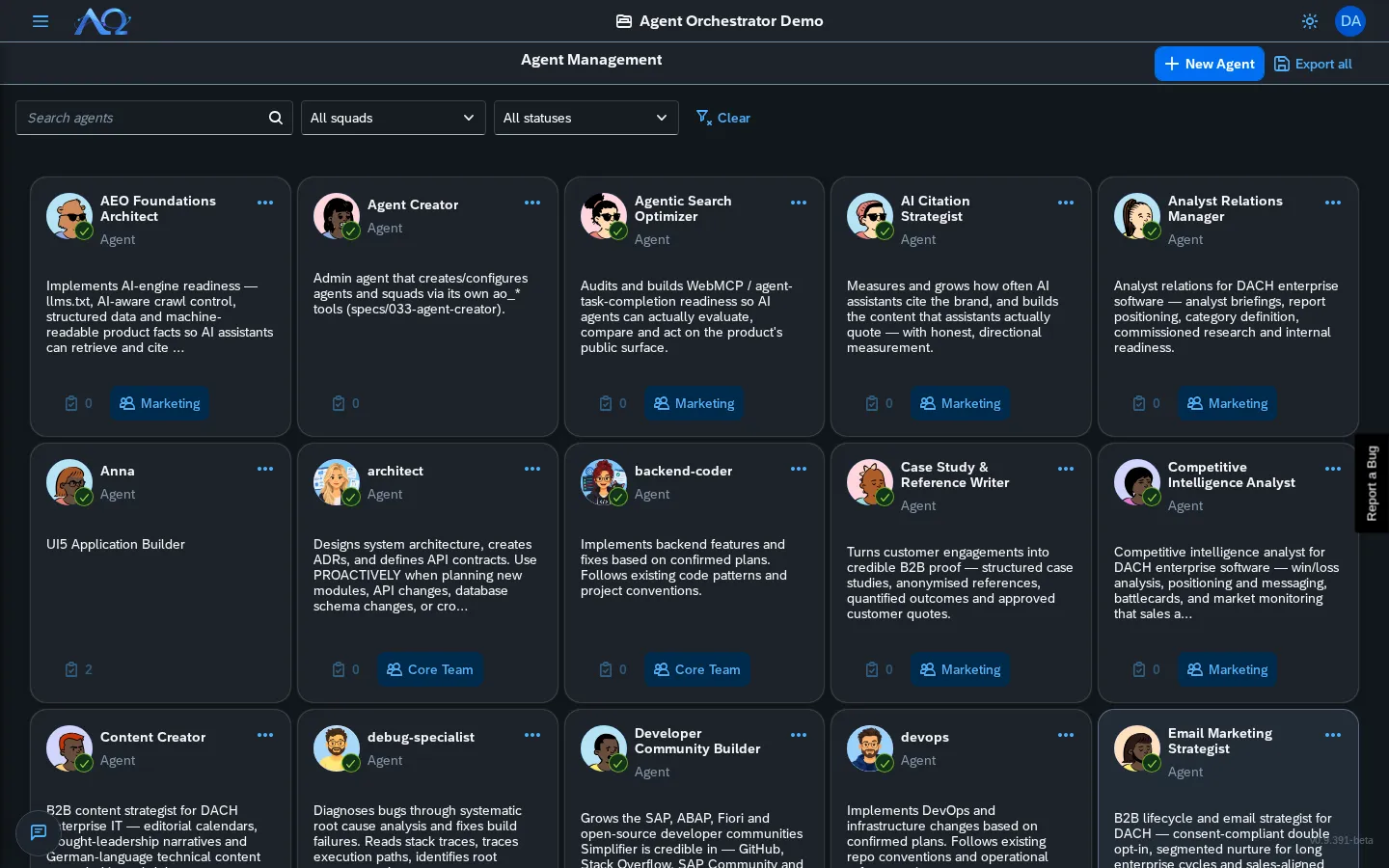
Squads are teams of agents under a Leader who delegates work to members. Assign a Task to a Squad and the Leader breaks it down, distributes sub-tasks…
Squads are teams of agents under a Leader who delegates work to members. Assign a Task to a Squad and the Leader breaks it down, distributes sub-tasks, and synthesizes results.
Concept
Task → Squad Leader → delegates to Members → each = child Run
                              ↓
                        synthesizes → single result
Each delegation is a first-class child Run — auditable, usage-tracked, own chat/logs.
Creating a Squad
- Squads page → New Squad (page header) — the Create Squad dialog opens in Manual mode
- Fill in:
- Name — e.g., “Frontend Team”, “Migration Squad”
- Description — What this squad handles
- Select Leader — Must be an Agent (receives Task, delegates)
- Add Members — One or more Agents (execute delegated work)
- Create Squad
Exporting and Importing a Squad
- Export — Open the menu on a squad card → Export Squad. You get a
.aofile with the squad and all its member agents (with their skills and settings). Agent secrets are never included. - Import — New Squad → Import .ao → Choose File. A preview is shown; press Import to create the squad and all its member agents in this Workspace.
- Imported agents arrive disabled. Enable each one — and make sure it has a runtime — before the squad can run.
Squad Detail
Click a squad (from Agents page or Squad Detail link) to open:
Org Chart (Desktop)
Visual leader→members tree:
- SVG canvas — Pan (drag), zoom (wheel), Bezier connectors
- Node cards — Agent avatar + name + role
- Click node → Navigate to Agent Detail
Phone View
Flat deletable member list (org chart hidden on mobile).
Overview Panel
- Description
- Leader readout (always visible)
Activity Tab
All Runs from Tasks assigned to this squad — same as Agent Activity.
Assigning Tasks to Squads
From Task Board
- New Task → Assignee: Squad → select squad
- Or existing task → Assign → Squad → select
From Task Detail
Click Assignee chip → Squad → select squad.
How Delegation Works
- Task assigned to Squad → creates Leader Run
- Leader analyzes → breaks work into sub-tasks
- Leader delegates →
delegate_to_membertool → creates child Runs - Members execute → in parallel, each in own Run
- Members complete → results flow back to Leader
- Leader synthesizes → combines into single result
- Leader completes → Task moves to Review
Status Cascade
- Only Leader Run controls Task status
- Member completions = mid-pipeline (don’t move Task)
- Leader completes → Task → Review
- Leader fails → Task → Failed
Cancel Cascade
- Stop on Task → cancels Leader + all child Runs
- Broadcasts
run.status_changed/task.status_changed→ UI updates live
Member Output Visibility
Leader can access member results:
- Auto-injected — Leader’s synthesis sees member outputs
- Manual fetch —
collect_resultstool pulls specific child Run outputs - Files — Member artifacts copied to Leader’s workdir under
member_outputs/<member>_<run8>/
Squad Permissions
| Action | Who |
|---|---|
| Create Squad | Workspace Administrator |
| Edit Squad | Workspace Administrator |
| Delete Squad | Workspace Administrator |
| Assign Task to Squad | Any member (if Squad exists) |
| View Squad Detail | Any member |
Squads vs. Individual Agents
| Aspect | Individual Agent | Squad |
|---|---|---|
| Complexity | Single task | Complex, multi-part work |
| Parallelism | Sequential | Parallel member execution |
| Audit | One Run | Leader + N child Runs |
| Cost | One model call | Multiple (tracked per child) |
| Best for | Focused, well-defined tasks | Multi-step, diverse skill needs |
Recent Updates
- Agent Squads — Team-based delegations with leader and members
- Org Chart — Visual SVG tree with pan/zoom
- Status Cascade — Only Leader moves Task status
- Cancel Cascade — Stop cancels entire delegation tree
- Member Output Visibility — Leader accesses all child results